

Keep messages in context.
Send participant messages, booking invites, form requests, and reminders from one workspace, with replies and delivery context tied back to the right participant and project.
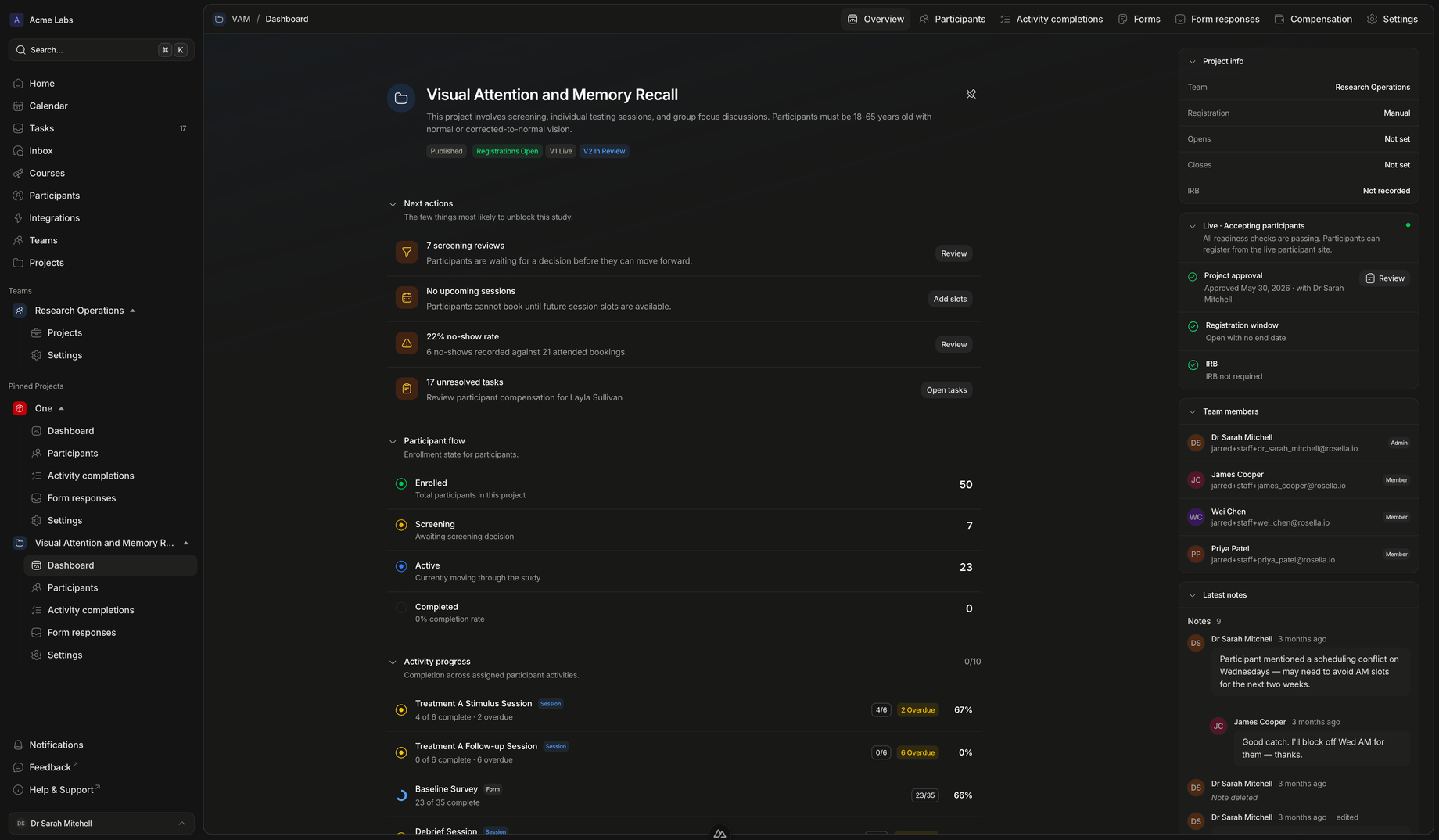
Participant communication
Messages with study context built in.
Rosella treats communication as part of participant operations, not a disconnected email client.
Shared inbox
Give coordinators context before they reply.
Participant messages live alongside project, status, timeline, and task context so staff can answer without reconstructing the study history from email alone.
- Replies land in the workspaceInbound participant replies become visible to staff rather than staying in one person’s mailbox.
- Threads stay tied to projectsThe team can see which study the participant is asking about before they respond.
- Read state is sharedUnread counts and thread state help teams avoid missing participant replies.
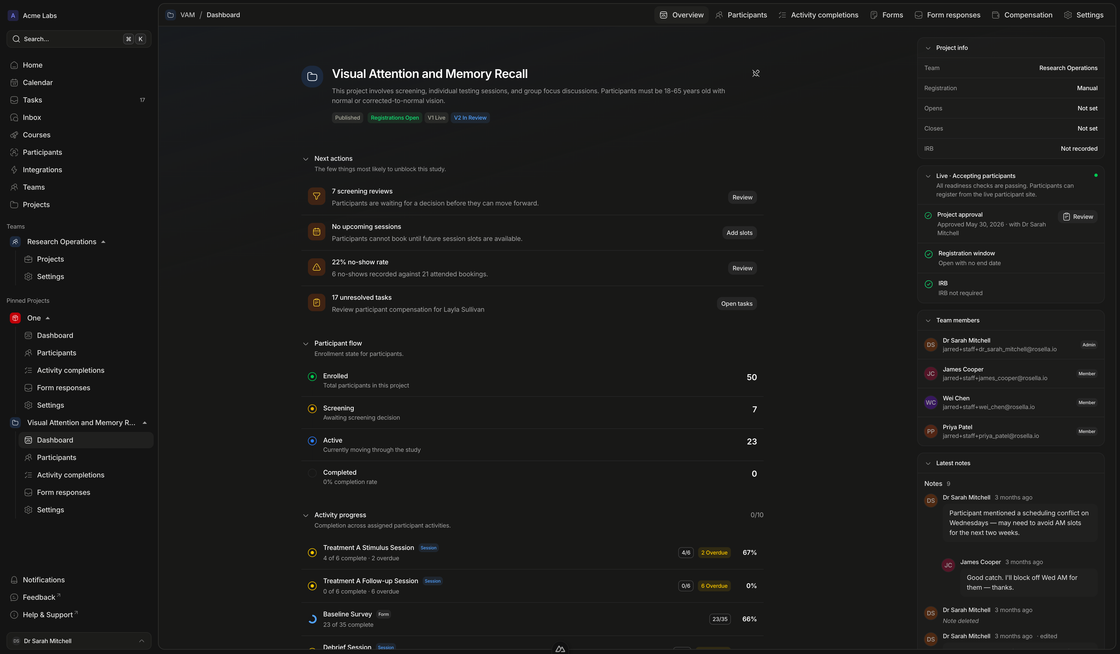
Operational sends
Use messages to move participants through the workflow.
Booking invites, form requests, and reminders can be sent as part of the same participant journey staff are already tracking.
- Send with purposeMessages can carry booking and form actions instead of vague instructions.
- Track deliveryDelivery status gives staff a clearer reason when participants do not respond.
- Follow up from filtersSelected participant cohorts can receive targeted communication from list views.
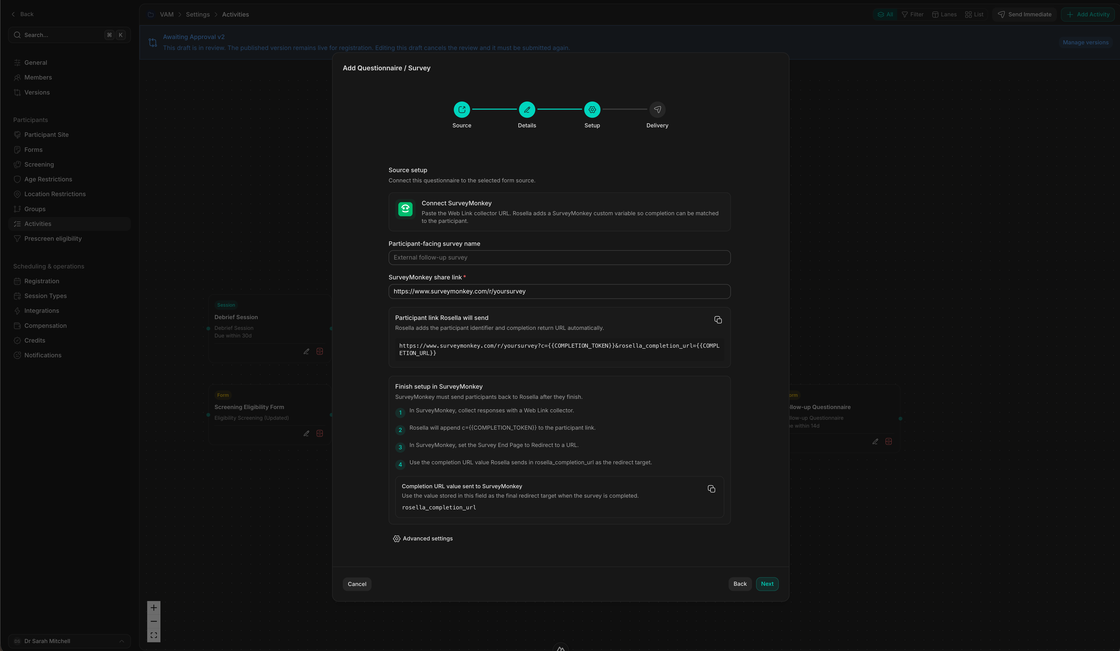
Message flow
From staff action to participant reply.
Every message should help the study move forward, and every reply should land where staff can act on it.
Select
Choose the participant or cohort
Start from a participant profile, inbox thread, task, booking context, or filtered participant list.
Send
Compose the message or request
Send a direct message, booking invite, form request, reminder, or targeted bulk message.
Deliver
Track email delivery and participant action
Rosella keeps message and email delivery state connected to the participant record.
Reply
Handle participant responses in context
Replies arrive in the workspace inbox so the next coordinator can pick up the thread.
Bring participant communication back into the study workspace.
Use Rosella to keep participant email, reminders, replies, and follow-up actions connected to the study record.