

Know where every participant stands.
Rosella gives research teams one participant record for eligibility, enrollment, groups, event progress, session bookings, forms, messages, notes, compensation, and timeline history.
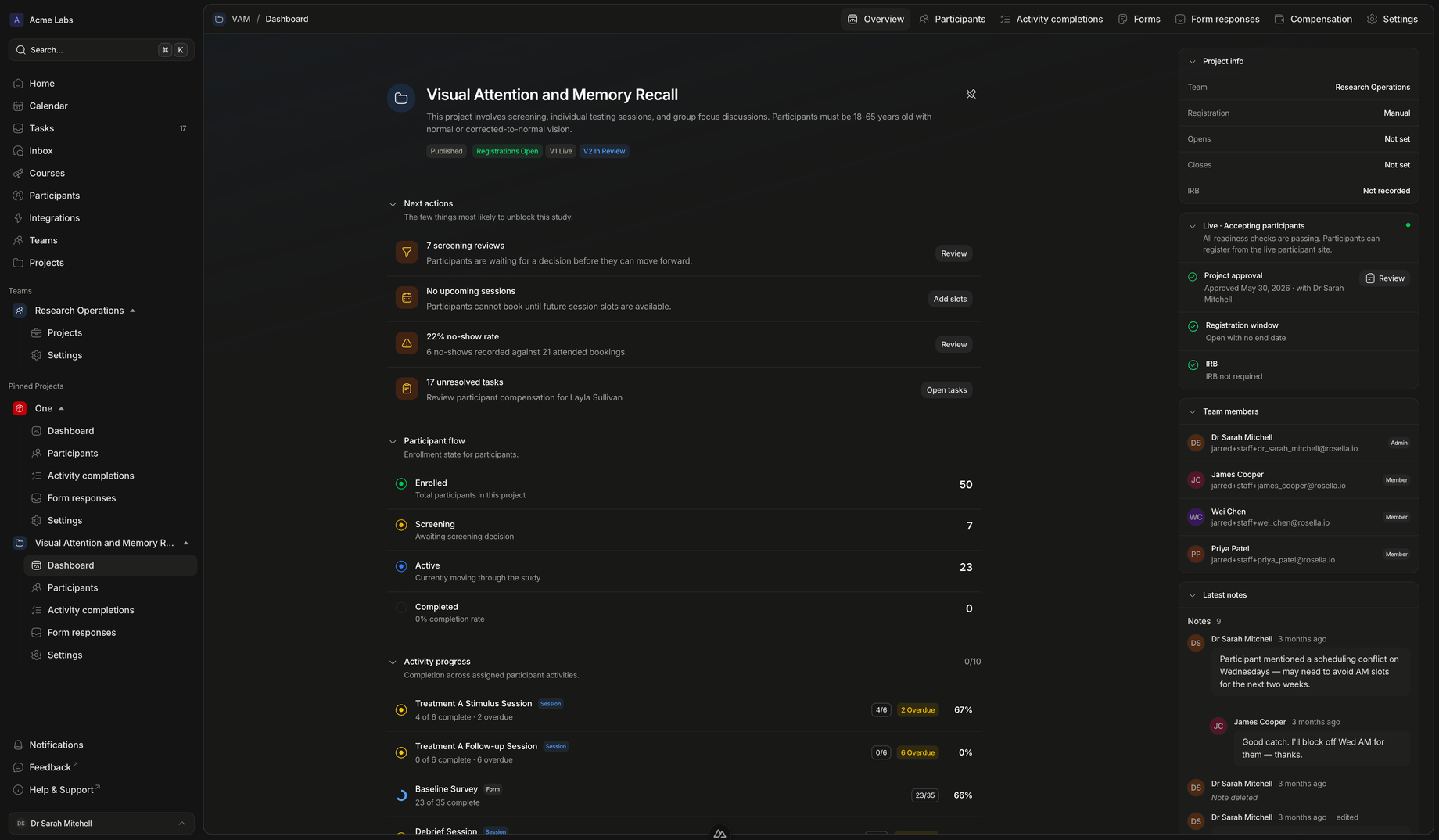
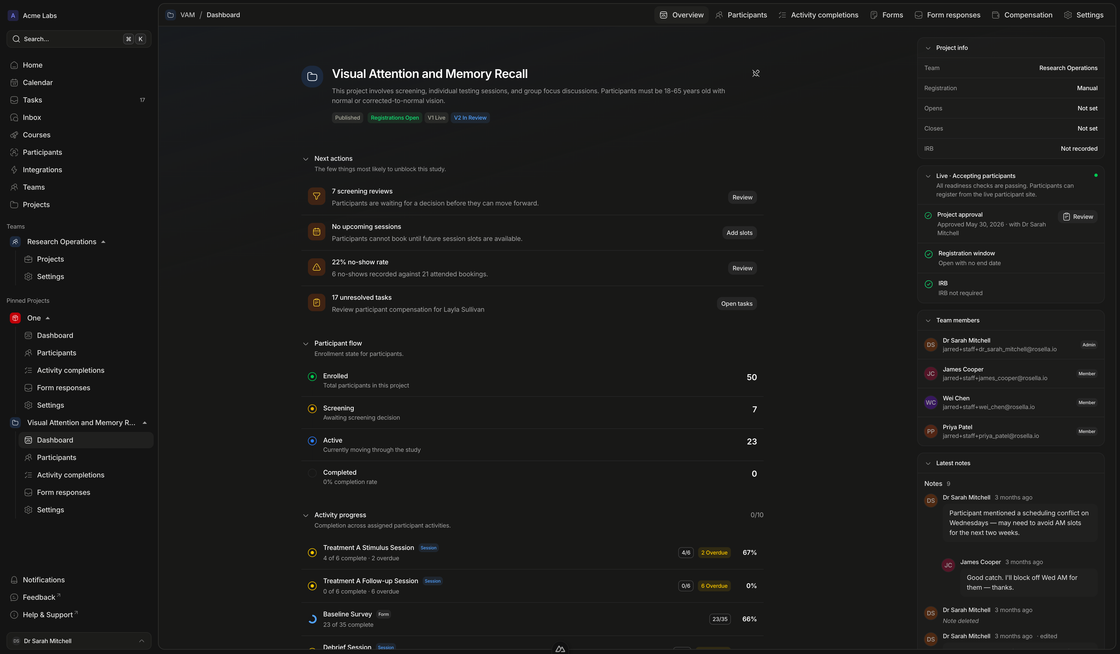
Operational clarity
A participant view designed for real study coordination.
Coordinators can move from high-level lists to the detail behind a single person without losing study context.
Participant profiles
Bring timeline, activities, sessions, and forms into one place.
Each participant profile gives staff a concise view of recent history and the operational surfaces that matter most: what they have completed, what is waiting, what is booked, and what still needs follow-up.
- A useful snapshot, not a data dumpRecent timeline events, activity previews, sessions, and forms are grouped into the surfaces coordinators reach for first.
- Study context stays attachedParticipant views are project-aware, so the team can inspect forms, sessions, and messages without losing the active protocol.
- Exceptions become visibleScreening needs, overdue activities, missing forms, compensation reviews, and unresolved tasks can surface before they become drift.
Lists and cohorts
Find the right participants quickly, then act in bulk when needed.
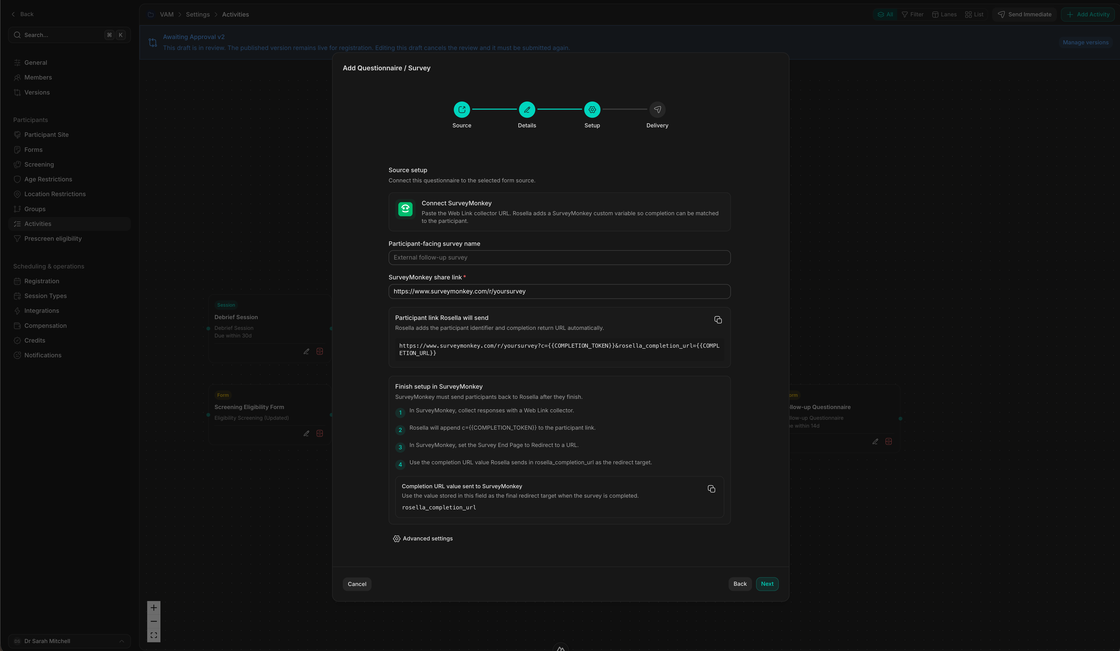
Search, filter, sort, assign groups, and message participants from a focused table built for repeated coordination work.
- Operate from the tableUse filters, presets, counts, refresh, row selection, and sortable columns to keep high-volume coordination manageable.
- Segment without spreadsheet driftAssign selected participants to study groups so cohort membership stays inside the same system as progress and communication.
- Message the right peopleBulk messaging helps coordinators reach filtered participants while preserving the participant-message audit trail.
Coordinator workflow
From participant list to next action in a few clicks.
The page should answer a practical question: what can a coordinator do differently once participants live in Rosella?
Find
Filter to the participants that need attention
Start from status, group, enrollment, event progress, version, or study-specific presets instead of hunting through exports.
Review
Open the participant record with full context
See recent timeline events, screening state, activities, sessions, forms, messages, notes, and compensation without switching systems.
Act
Assign, message, schedule, or follow up
Move selected participants into groups, send targeted messages, inspect bookings, review forms, or resolve the task blocking progress.
Track
Roll individual state back into project health
Participant progress feeds the project dashboard, activity completion views, session capacity, screening queues, and compensation review.
Make participant coordination feel less scattered.
Replace side spreadsheets and private notes with a shared participant workspace that can grow with your study protocol.