

Give participants one clear place to move.
Each workspace can have a branded participant portal for study discovery, registration, consent, screening, event progress, booking, forms, profile updates, and compensation visibility.
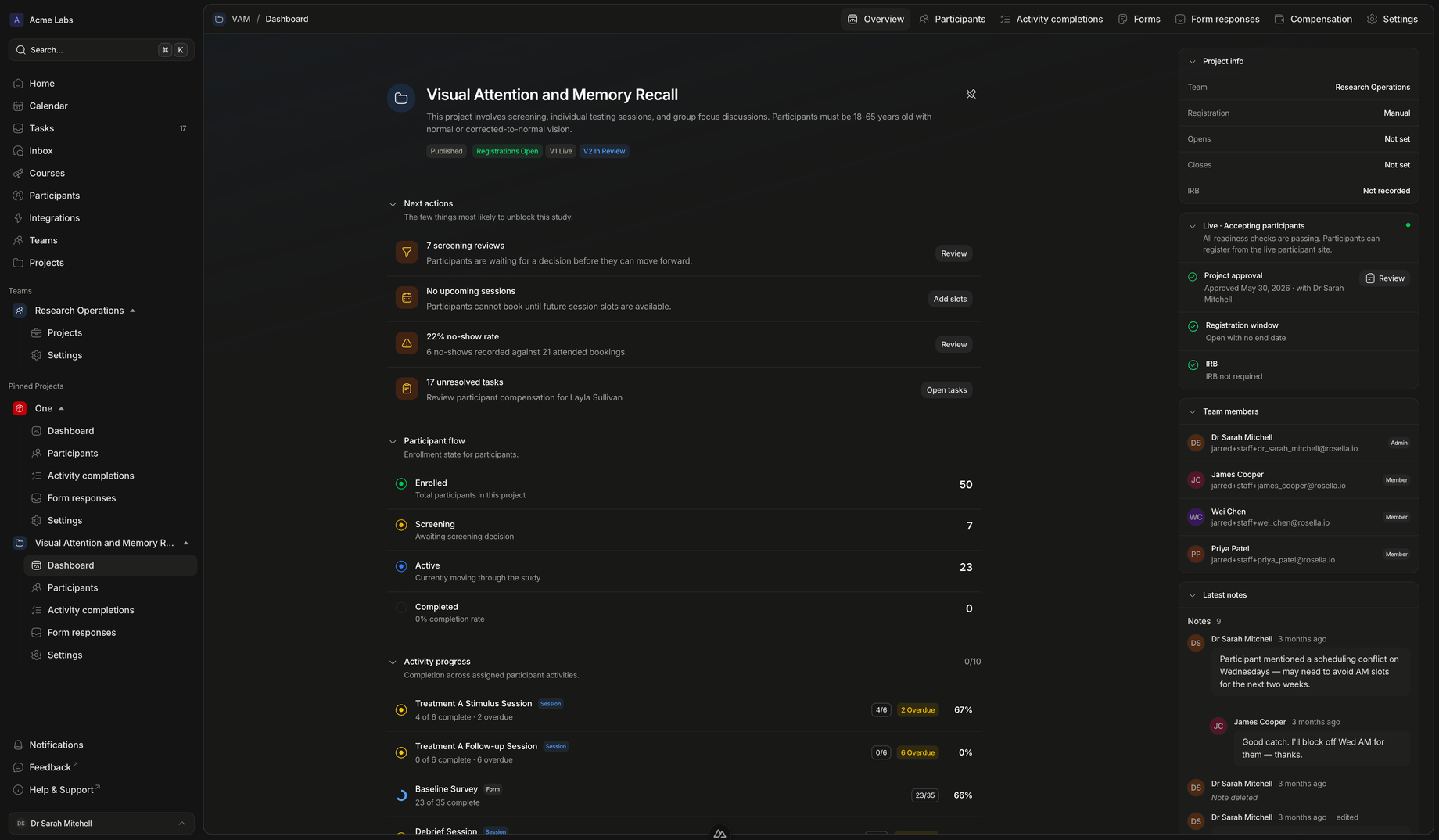
Participant experience
A participant-facing journey connected to staff operations.
The portal gives participants self-service actions while keeping coordinators in control of the workflow behind them.
Before enrollment
Help participants understand the study before they register.
Public study pages can show descriptions, eligibility criteria, consent items, registration windows, and enrollment calls to action.
- Clear study detailsParticipants can review what the study involves before starting registration.
- Eligibility contextAge, location, inclusion, exclusion, and prescreen expectations can be communicated before applying.
- Guided registrationRegistration steps can include workspace consent, project consent, screening, and confirmation.
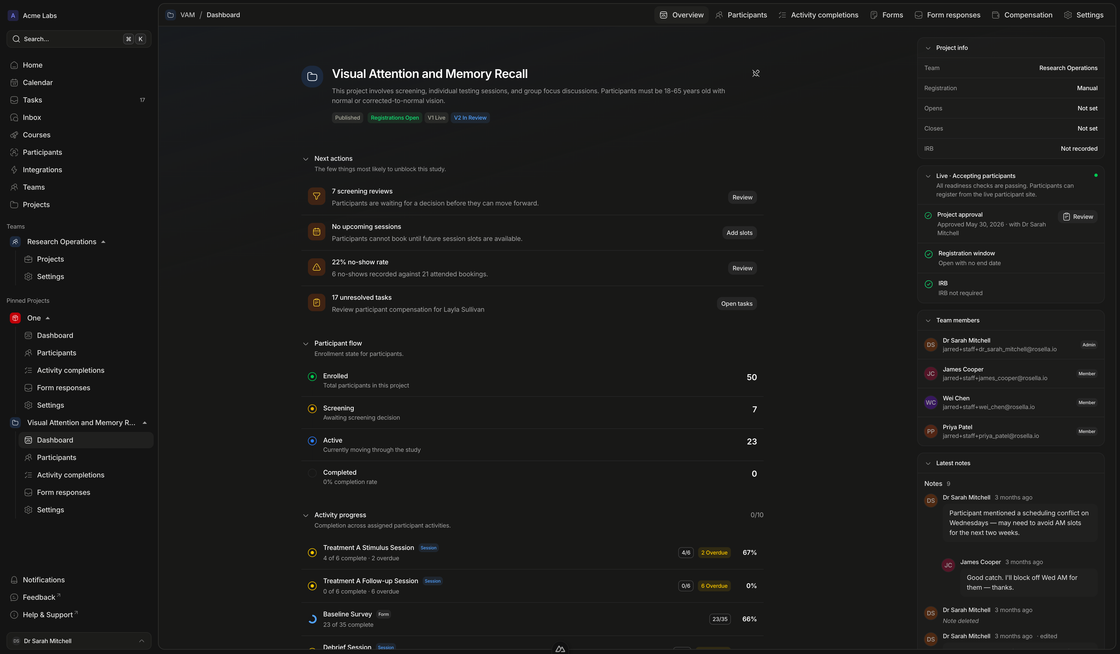
After enrollment
Give participants one place to keep moving.
Once enrolled, participants can see study documents, activities, pending forms, booking actions, study information, compensation or credits, and withdrawal options where appropriate.
- Event progressParticipants can see what is locked, available, overdue, in progress, or complete.
- Session self-serviceBooking and session management happen where the participant already sees the study.
- Participant controlProfile updates, withdrawal, and data export support a more transparent participant experience.
- Enrolled study documentsApproved, active, and completed participants can access files shared for the exact study version they joined.
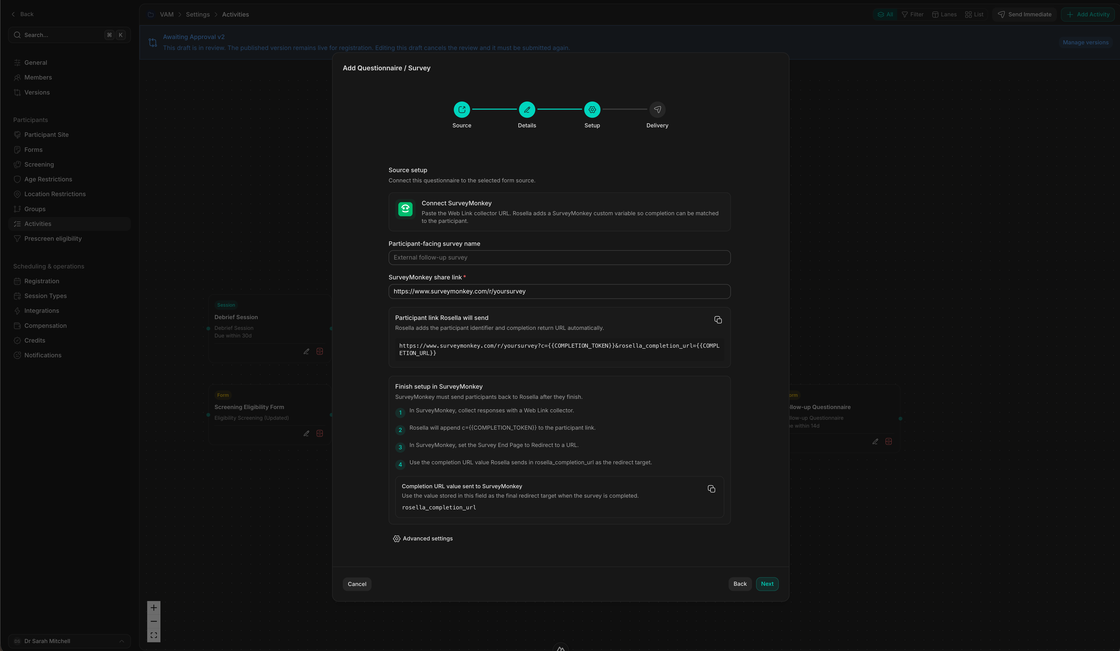
Portal journey
From public study page to active participant dashboard.
Participants get a clearer path, and staff get cleaner operational state.
Discover
Find an available study
Participants see study information, registration state, and requirements through the workspace portal.
Register
Complete consent and screening
Registration captures the participant details and screening inputs the staff team needs.
Participate
Complete forms and book sessions
The portal shows the actions available to the participant as their study workflow unlocks.
Manage
View history, compensation, and profile information
Participants can understand their study state and update the information that affects eligibility and communication.
Make the participant experience feel as organized as the staff workspace.
Use Rosella to give participants one place for registration, booking, forms, progress, and study information.