

Open studies to the right participants.
Configure public study pages, eligibility criteria, consent, prescreen rules, application review, and registration windows without making coordinators stitch the flow together by hand.
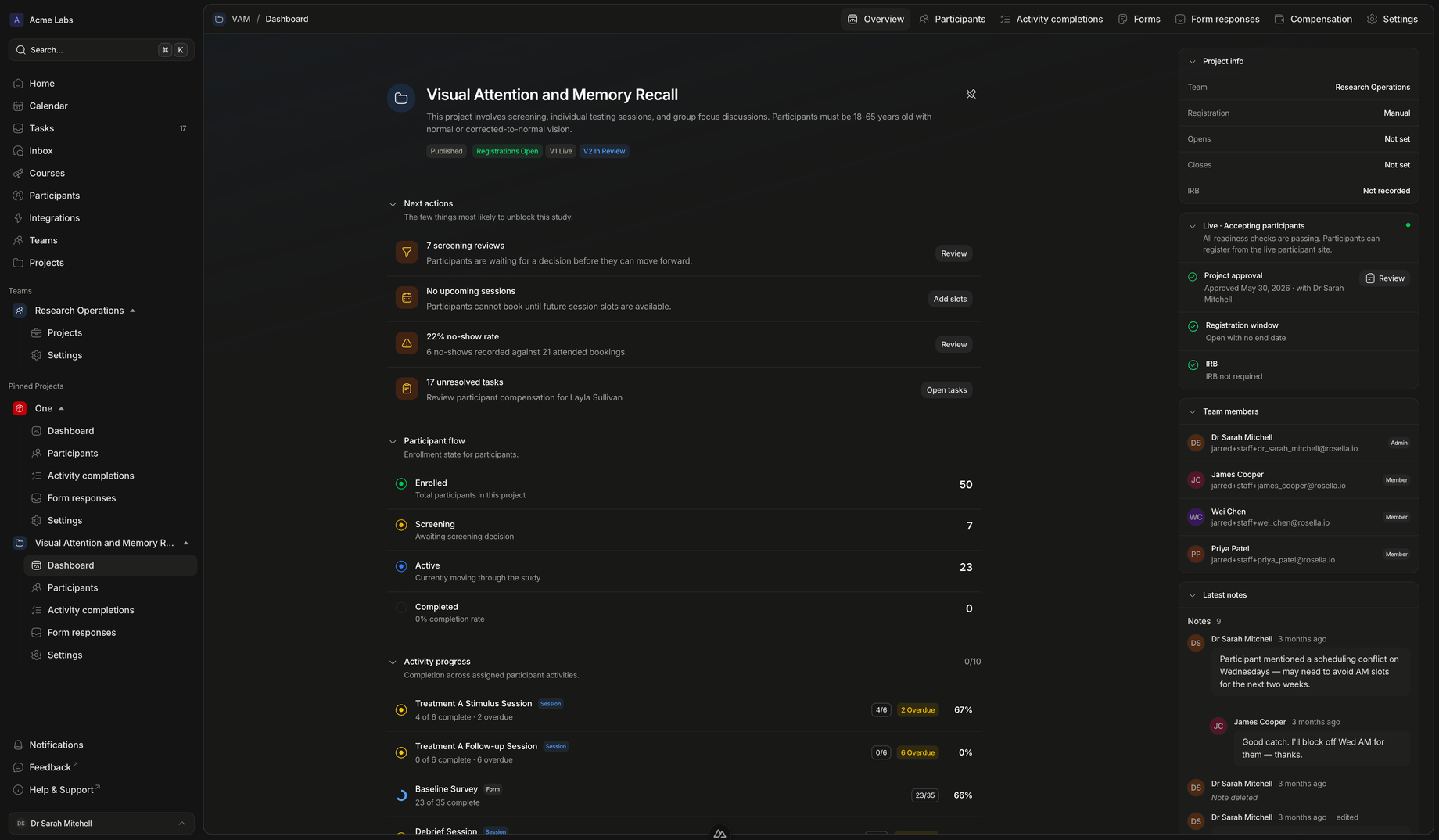
Recruitment controls
Shape who can register, what they see, and how they are reviewed.
Rosella separates participant-facing information from staff-side review so recruitment can stay clear for participants and controlled for the study team.
Participant experience
Make registration understandable before participants apply.
Study pages can show eligibility, documents, consent requirements, registration state, and next steps before the participant commits.
- Set expectations earlyParticipants can see what the study involves, what documents matter, and whether registration is open.
- Capture consent deliberatelyRequired consent items are part of registration rather than a separate coordinator checklist.
- Route eligible participants onwardAccepted participants can move into the activities, forms, sessions, and follow-up steps defined by the project.
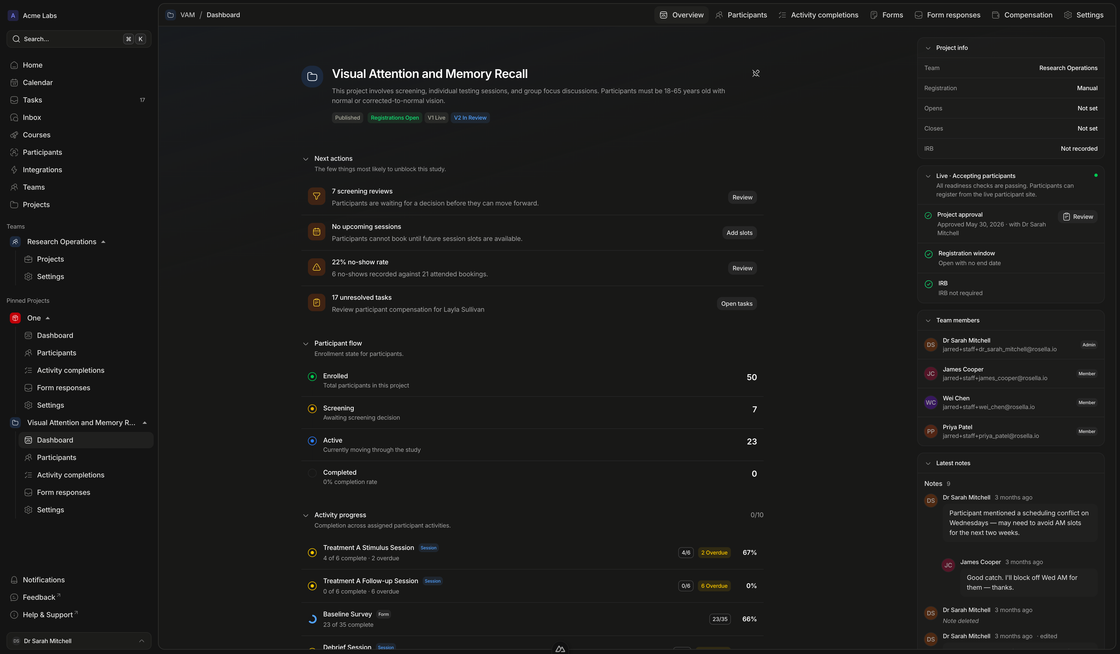
Staff review
Keep screening decisions visible to the team.
Manual review, screening outcomes, and eligibility state stay tied to the participant and project, so coordinators can see why someone did or did not move forward.
- Review the right contextStaff can inspect participant details, screening responses, status, and project context before deciding.
- Avoid silent queuesApplications that need judgment can become tasks, notifications, and project next actions.
- Preserve the reasonDecisions become part of participant history instead of a note in a separate spreadsheet.
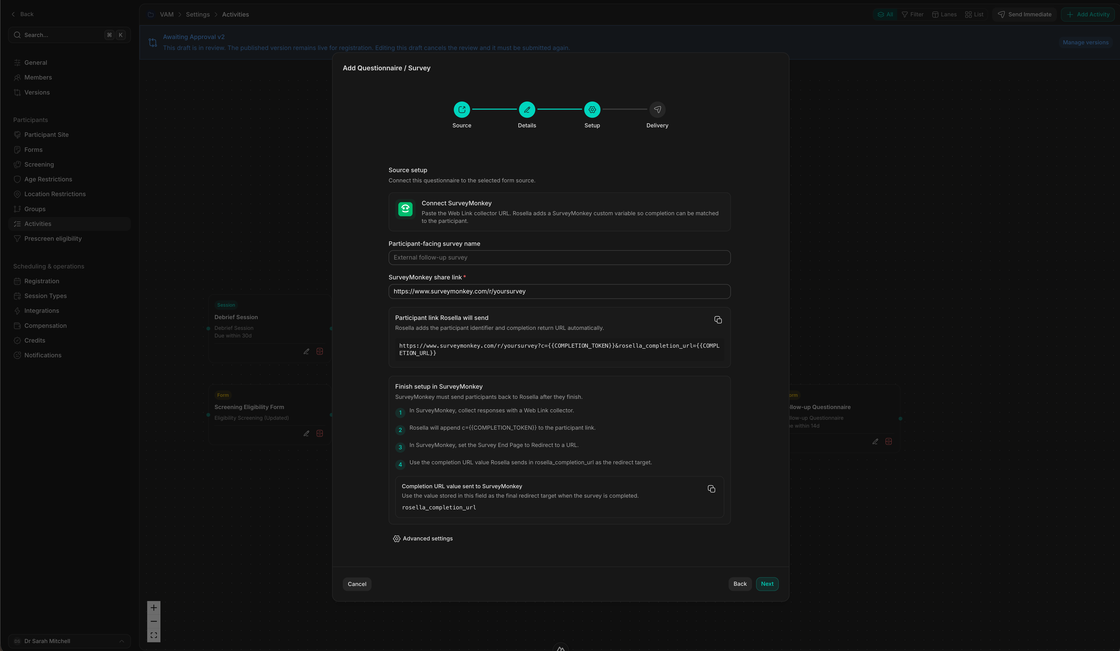
Registration path
A cleaner route from public interest to study enrollment.
Registration should feel simple for participants while giving staff the checks they need.
Publish
Create the participant-facing study page
Explain the study, documents, requirements, registration window, eligibility, and consent in one place.
Collect
Ask the right screening questions
Use prescreen and project screening to capture the information needed before enrollment.
Decide
Approve automatically or send to review
Clear cases can move forward automatically while ambiguous cases route to staff review.
Enroll
Move accepted participants into the workflow
Approved participants enter the project version and begin the forms, sessions, activities, and reminders configured for the study.
Run recruitment without losing control of eligibility.
Use Rosella to make study discovery, consent, screening, and enrollment review part of one participant journey.